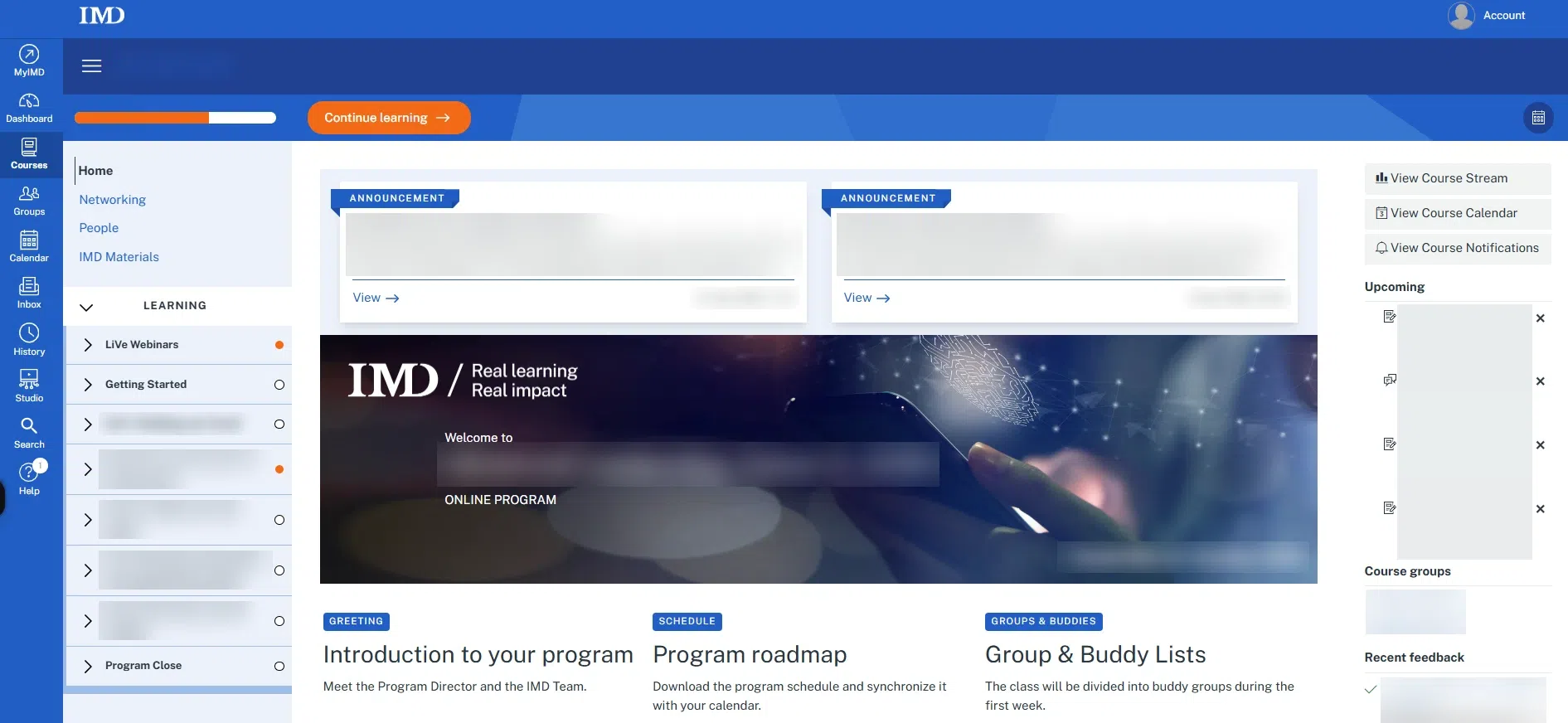
Walkthrough
Access the learning portal from your email invitation
Walkthrough
When you already have a MyIMD account
When your learning portal is ready, you receive an email invitation. Follow these steps to open it with your MyIMD account.
Don’t have a MyIMD account yet? Follow the walkthrough When you don’t have a MyIMD account yet.
1.
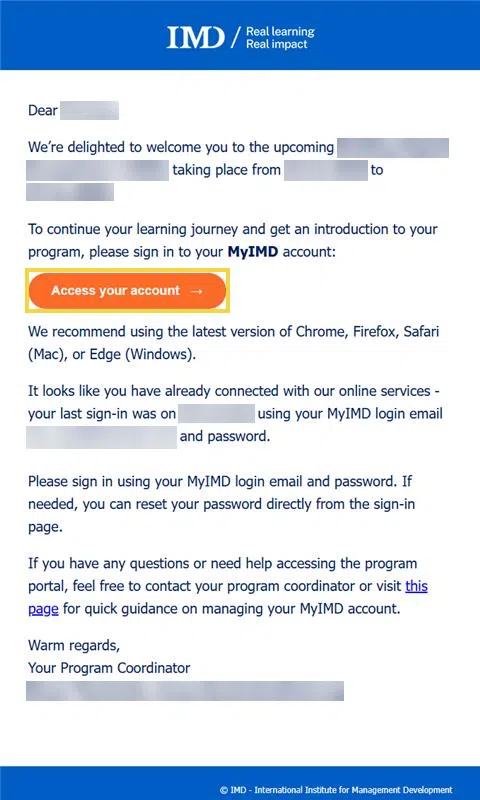
In the invitation email you received, click Access your account.
The email also reminds you of the login email of your MyIMD account: use this address to sign in.
2.
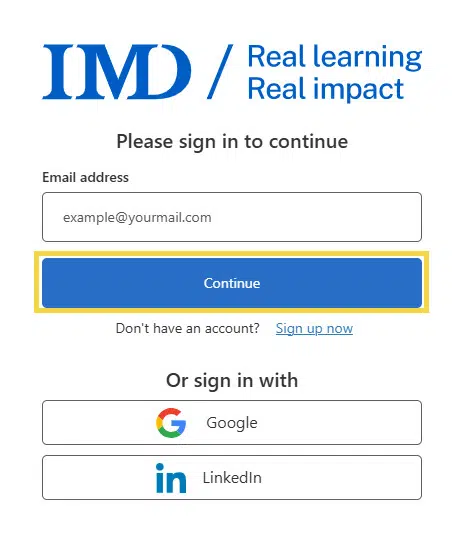
Enter your email address and click Continue.
If you created your MyIMD account with Google or LinkedIn, click Google or LinkedIn under Or sign in with instead.
3.
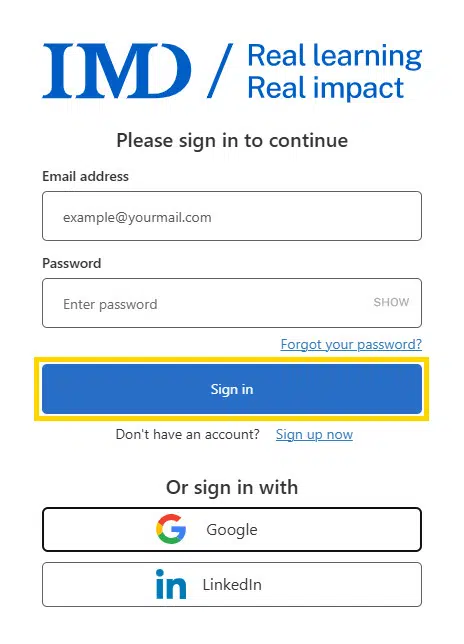
Enter your password and click Sign in.
Forgotten your password? Click Forgot your password? and follow the Reset your password walkthrough.
4.
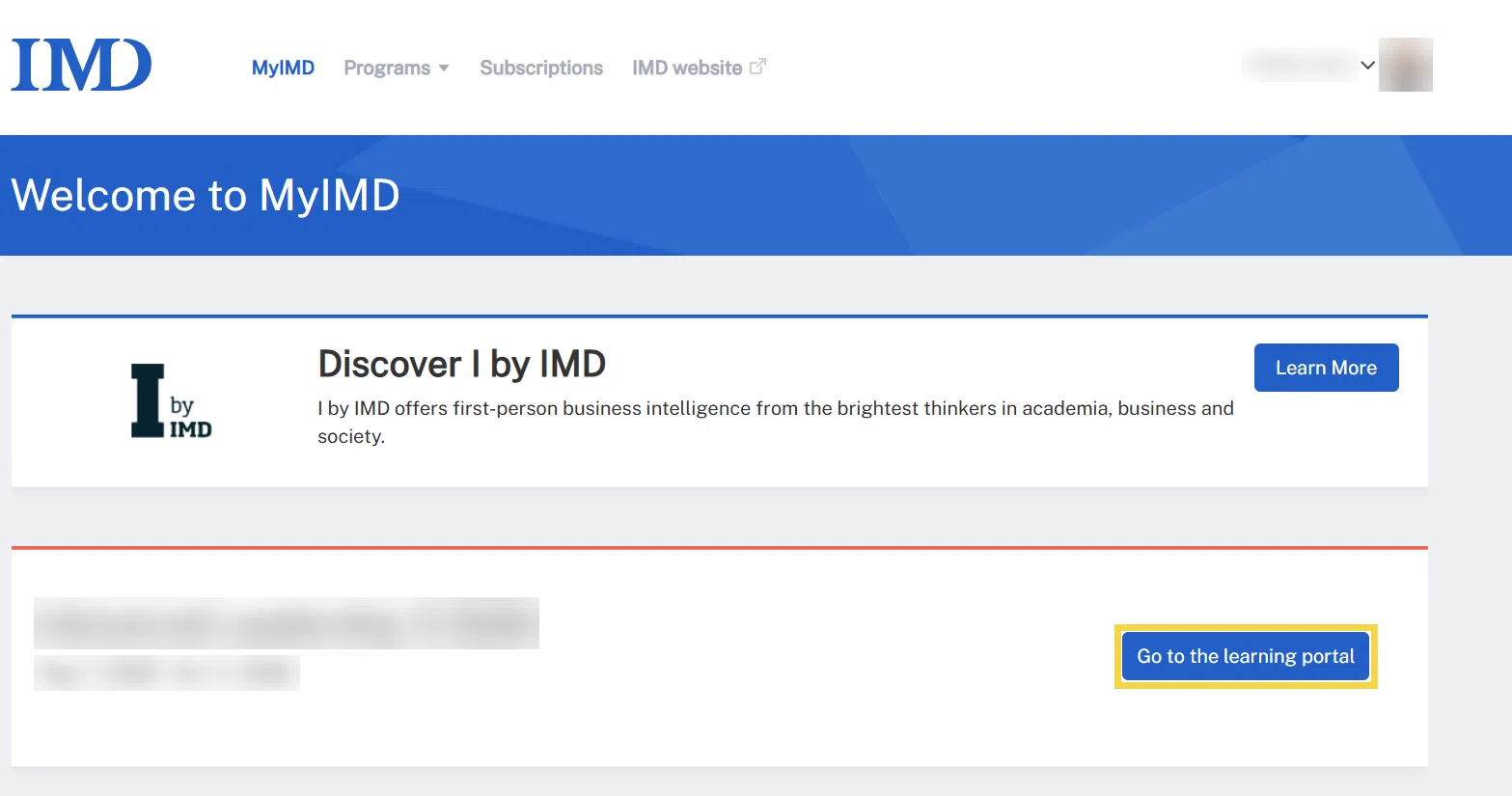
On your MyIMD page (myimd.imd.org), click Go to the learning portal next to your current program or module.
5.
You can now access your learning portal.