20230630-HelpPages-DownloadApp-TopBanner-2880×1120 - IMD Business School 20230630-HelpPages-DownloadApp-TopBanner-2880×1120 - IMD Business School 20230630-HelpPages-DownloadApp-TopBanner-2880×1120 - IMD Business School
Download and access the Canvas Student app​

Walkthrough​

Download and access the Canvas Student app​

Walkthrough​

1.

The Canvas Student app is a mobile companion that allows you to access your IMD Learning Materials on the go.​

1.1 - IMD Business School

2.

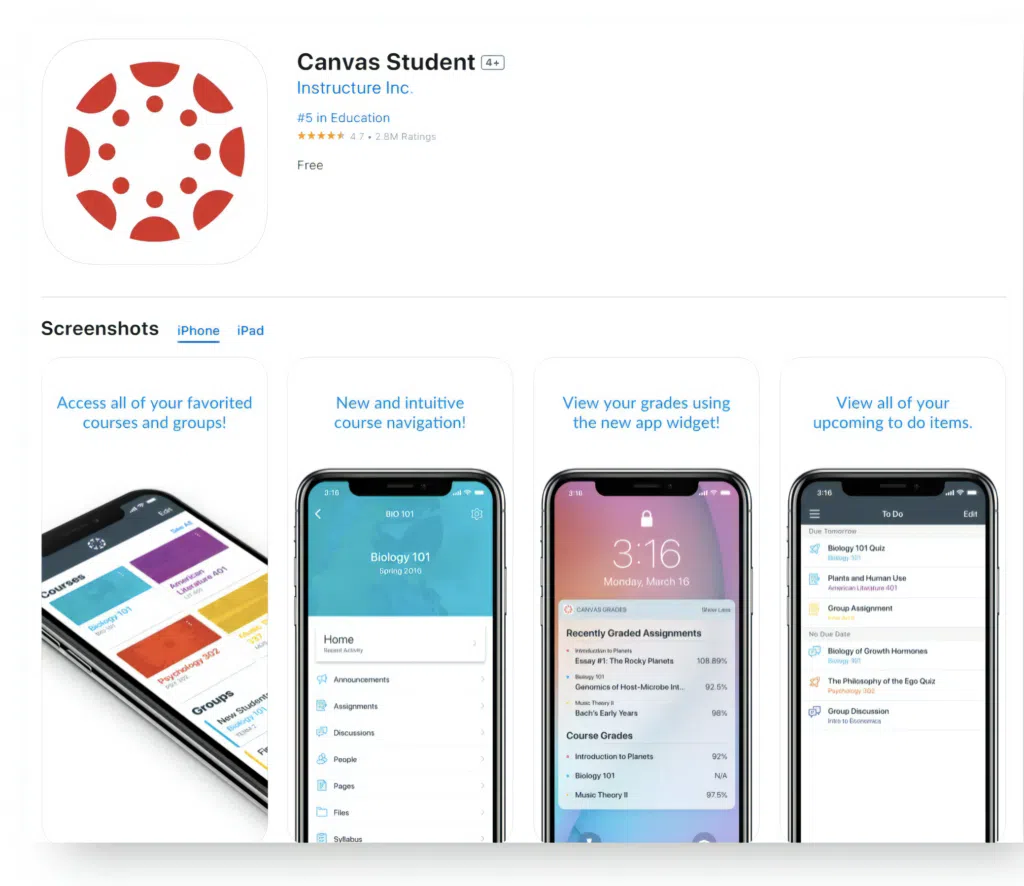
Download the Canvas Student app from your store.​

appstore-googleplay - IMD Business School
1.2 - IMD Business School

3.

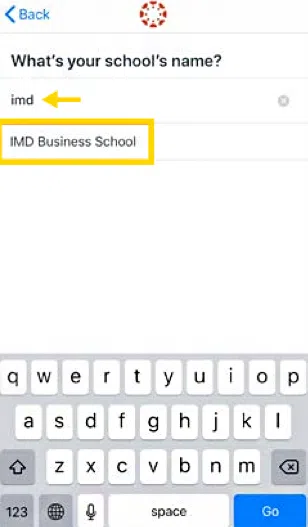
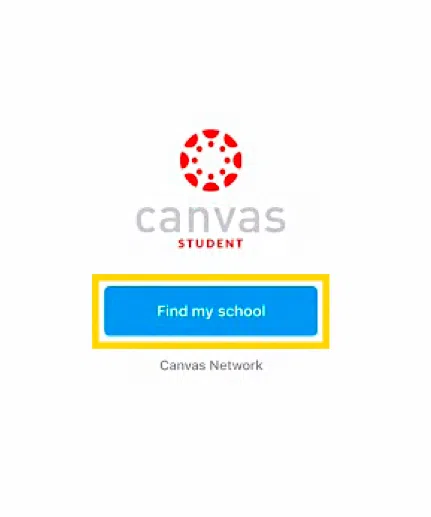
Once installed, open the app and press Find my school. Enter “imd” and select IMD Business School.
thumbnail - IMD Business School
thumbnail (1) - IMD Business School

4.

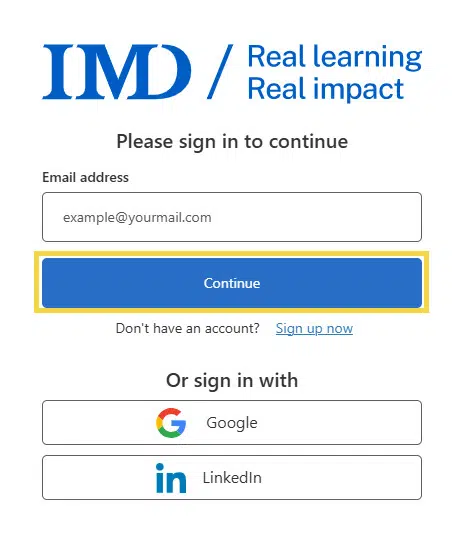
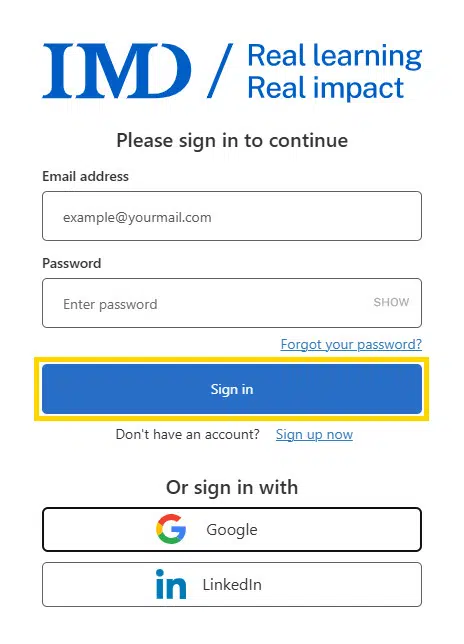
You need to log in to your MyIMD account. Enter your email address and click Continue. Enter your password, click Sign in again.​

login01 - IMD Business School
login02 - IMD Business School

5.

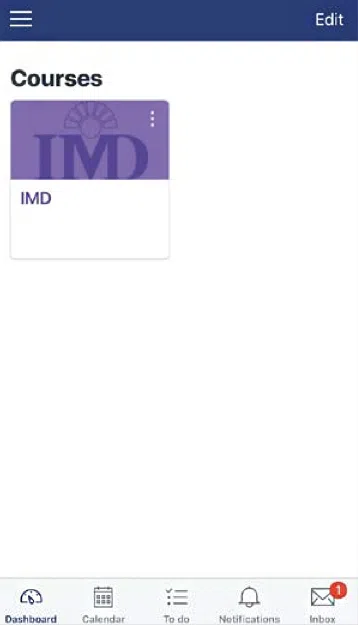
You can now access the Learning Materials for your Program.​

e261df60-882a-471c-b06c-ee97104d9e71 - IMD Business School
20230630-HelpPages-SimpleCard-740×374-a - IMD Business School
Need help?

Opening hours (CET): Mon-Fri: 08:00 – 17:00

Support portalservice.imd.org

Emergencies+41 (0) 21 618 0789

Email[email protected]